See how fast your phone is charging.
Charging power, time to 80% and 100%, and battery temperature, on one screen.
Download for AndroidAndroid 7.0 or later
- Free and open source
- No ads
- No account
- No permissions
What it shows
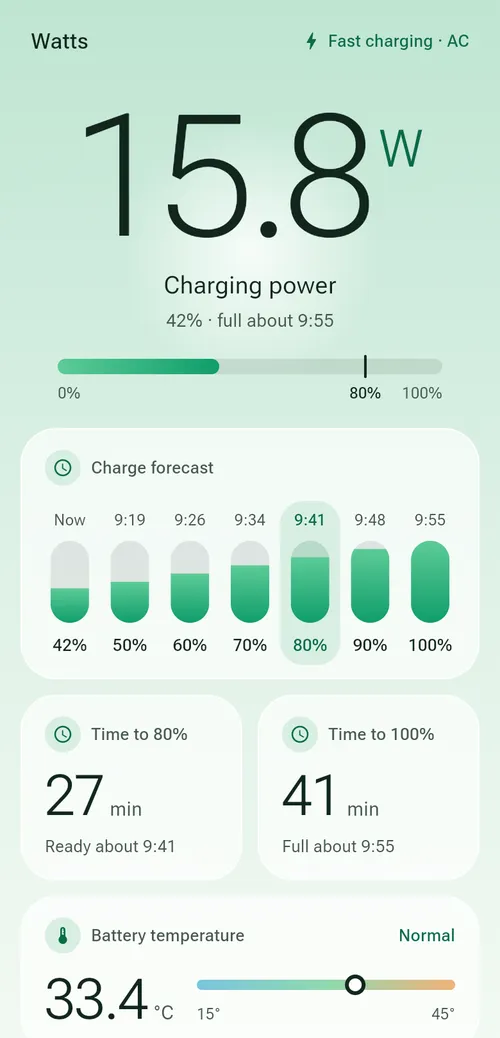
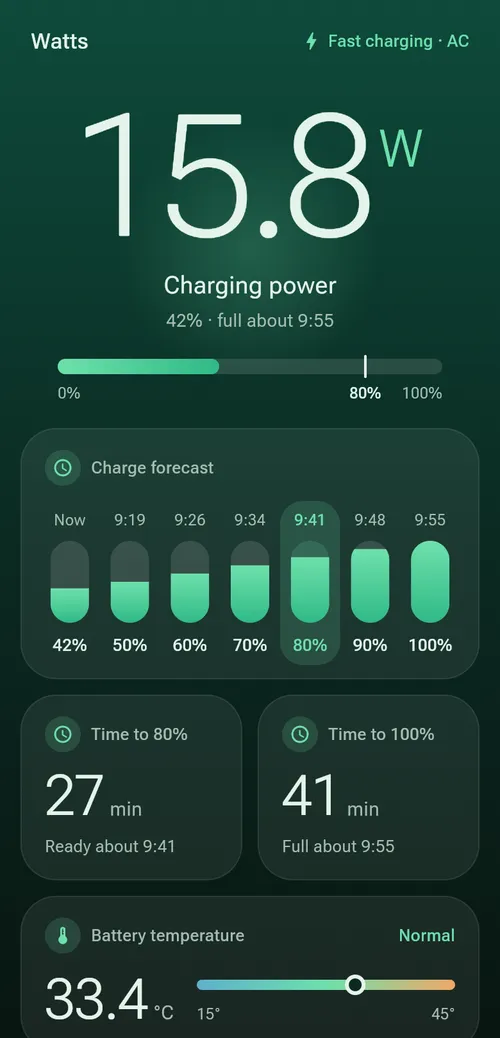
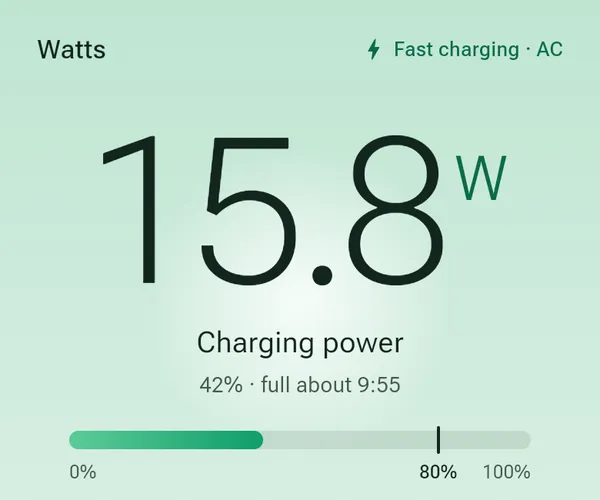
How many watts?
The power going into your battery, live.
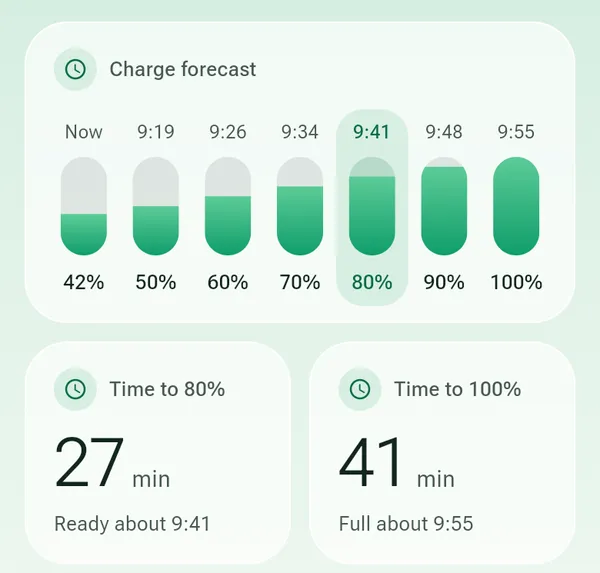
When will it be ready?
Time to 80% and 100%, plus a forecast for every 10% in between.
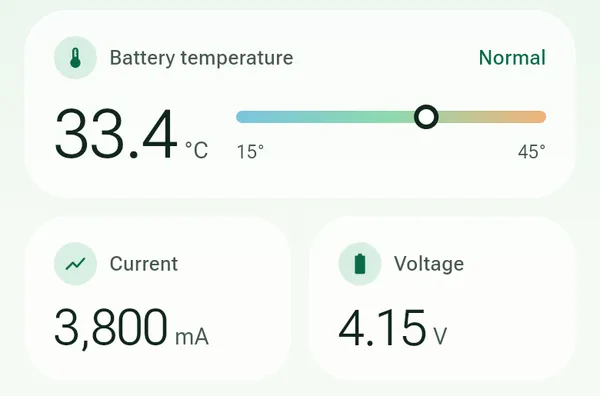
Is it getting hot?
Battery temperature, marked Normal, Warm or Hot.
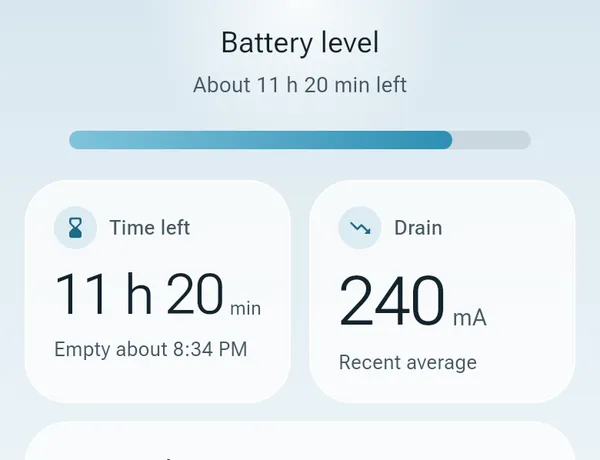
How long will it last?
Unplugged, how long you have left at your current use.
Times are estimates. Charging slows after 80%, so 90% and 100% are the least certain.
Install
Download the APK
From the latest release, on your phone.
Open it
Allow installs if Android asks.
Plug in
Open Watts and connect a charger.